
Everyday access · 01
Retail Stores
Simplify staff entry and update access as your retail team changes.
01 / 06
Unable to play the video. Open installation video
Silver · Product overview
Installation examples are shown for reference. Confirm door compatibility, required accessories and gateway configuration before ordering.
Storefront series
Storefront Wi-Fi Smart Mortise Cylinder Lock · IP55 Protection
Remote access via a compatible Wi-Fi gateway (included).
Enquire about this productConfirm door compatibility and the selected configuration before ordering.
Explore application scenariosMORVA M402W-PF · Reference specifications

Compare fingerprint access, protection and battery options.
Swipe to compare
| Compare by | MORVAM401W-P View model | MORVAM402W-PF Current model |
|---|---|---|
| Fingerprint | No | Yes |
| Water resistance | Not waterproof | IP55 |
| Battery | 1 × CR123A | 3 × AAA alkaline |
| PIN, card, key & app | Yes | Yes |
| Emergency power | USB Type-C | USB Type-C |
| Remote management | Via Wi-Fi gateway | Via Wi-Fi gateway |
MORVA · Application scenarios
Everyday access · 01
Simplify staff entry and update access as your retail team changes.

Everyday access · 02
Manage access for individual shops and make tenant handovers easier.

Everyday access · 03
Plan staff entry and temporary visitor access for your workplace.

Everyday access · 04
Set access around staff shifts and business hours.

Everyday access · 05
Arrange time-limited office access for staff, suppliers and contractors.

Everyday access · 06
Simplify entry for property teams and visiting maintenance staff.
For compatible mortise hardware. Confirm cylinder length, cam, door clearance and required exit operation before installation.
Accessories
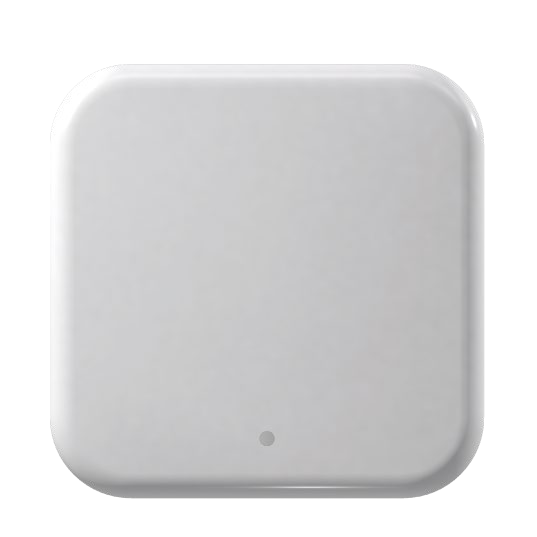
Enable remote access and management.
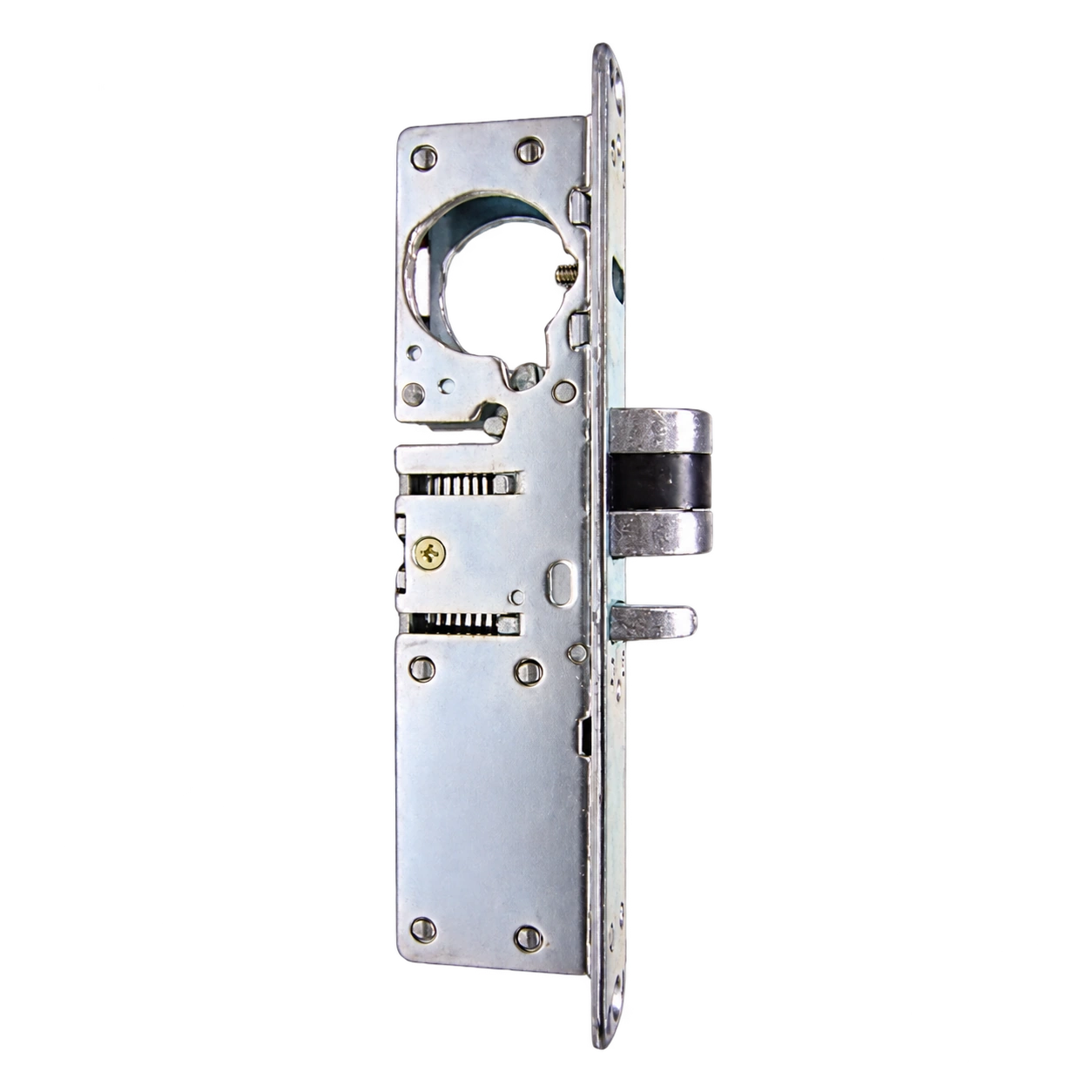
Find mortise hardware for your door.
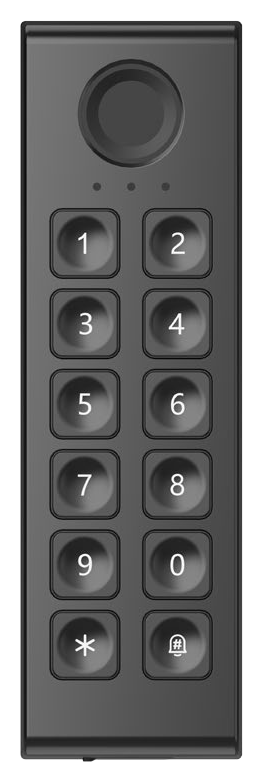
Add a separate access keypad.
Confirm accessory compatibility with your selected lock configuration.
Before you specify
MORVA M402W-PF adds fingerprint access, has an IP55 rating and uses 3 AAA alkaline batteries. It retains PIN, card, mechanical key and app access.
They show two states of the same MORVA M402W-PF lock. Both views are included in the gallery.
It replaces a compatible mortise cylinder while the existing lock body remains in place. Confirm the cylinder length, cam and door-frame clearance before ordering.
Connect the lock to a compatible Wi-Fi gateway and configure it in TTLock. Remote operation requires the gateway and an internet connection.
MORVA M402W-PF is rated IP55 for dust and water resistance. Follow the installation and care instructions for your door configuration.
Use 3 AAA alkaline batteries.
A compatible Wi-Fi gateway is included for remote access. Contact Wyxtra if you need a mortise lock body, an additional gateway or a wireless keypad.
Assign individual PINs or cards and update the relevant credentials in TTLock when staffing changes. Remote changes require an online compatible gateway; check that the update reaches the lock.
Plan tenant-level permissions, administrator ownership and gateway coverage for each door. Confirm how your TTLock setup will separate tenants and handle handovers before a property-wide rollout.
TTLock provides timed and one-time PIN options. Confirm the available modes on your MORVA configuration, their activation conditions and the door's time settings before issuing visitor access.
Define access windows for opening staff, closing staff and contractors. Confirm the timed or recurring PIN options available in your selected configuration and check the schedule at the door.
Plan a time-limited PIN for the relevant office door and confirm its validity rules before sharing it. Review access when the visit or delivery window ends.
Confirm the required integration, user capacity, exit operation and accessibility with the project team before selecting hardware. Review common entrances as part of the full door and access-system design.
Smart access for your business